How to Create a Tailored Cover Letter
Generate a professional cover letter that complements your resume. Step-by-step guide to using ReviseCV's cover letter tool.
A strong cover letter can set you apart from candidates with similar qualifications. ReviseCV’s cover letter generator creates professional letters that complement your resume and speak directly to the job you’re targeting.
Here’s how to use it.
When You Need a Cover Letter
Not every application requires one, but a cover letter helps when:
- The job posting specifically requests it
- You want to explain something your resume can’t (career change, gaps, relocation)
- You have a referral or connection to mention
- The role is competitive and you need an edge
- You’re applying to a company you really want to work for
Even when optional, a tailored cover letter shows effort and genuine interest.
Two Types of Cover Letters
ReviseCV can generate two types:
Tailored Cover Letter
Customized for a specific job posting. This is the most effective option when you have a job description to work with.
Generic Cover Letter
A general letter targeting a role or industry without a specific job posting. Useful when networking or reaching out to companies that aren’t actively hiring.
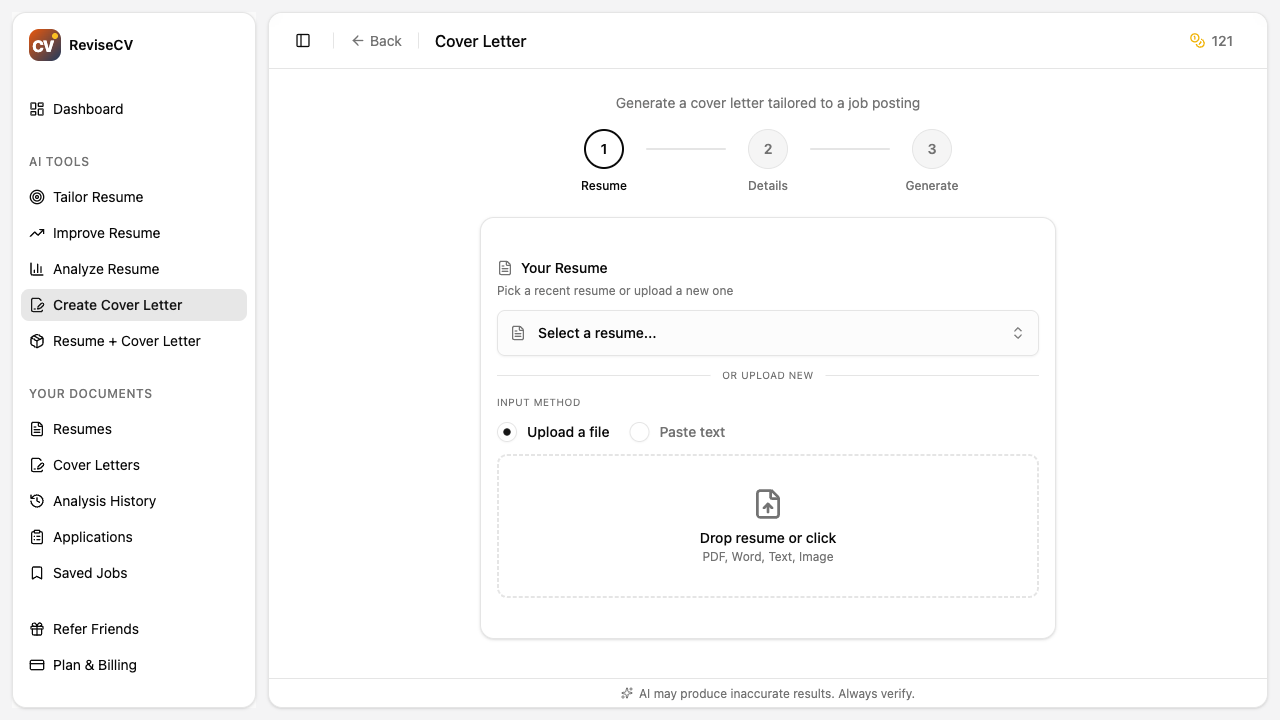
Step-by-Step: Creating a Tailored Cover Letter
Step 1: Select Your Resume
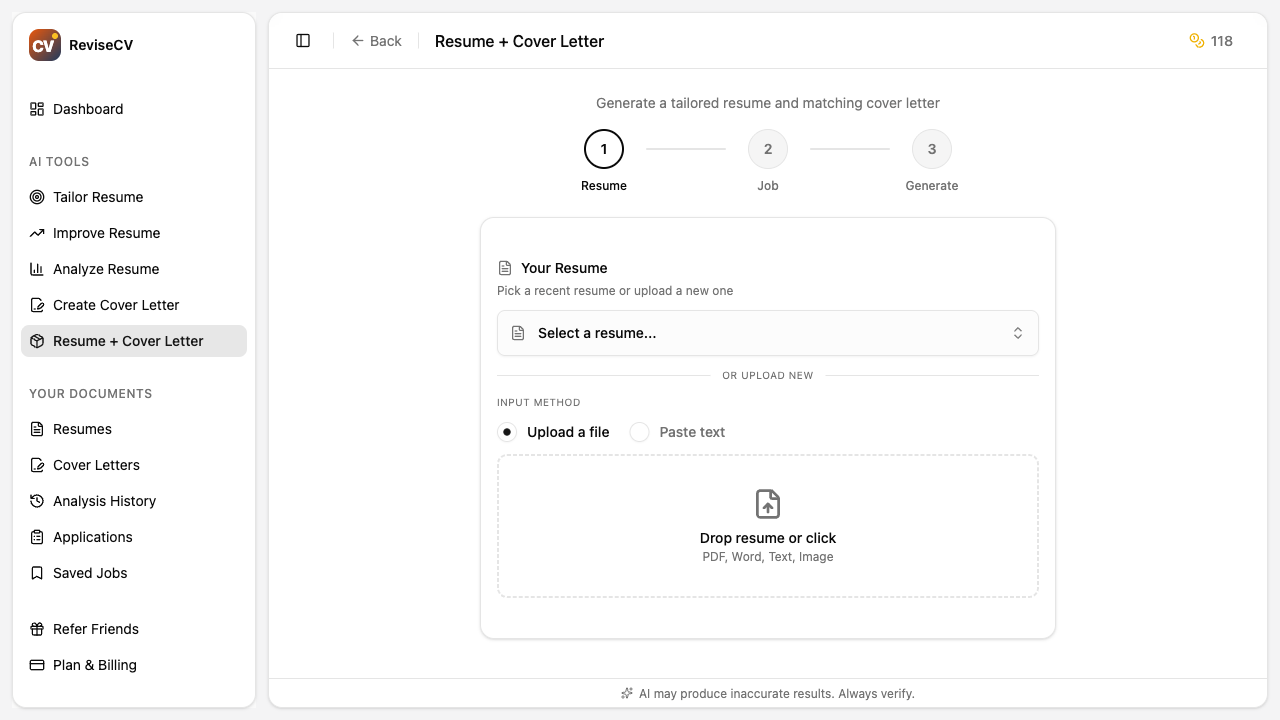
From the Tools page, click Create Cover Letter. First, you’ll select which resume to base your letter on.
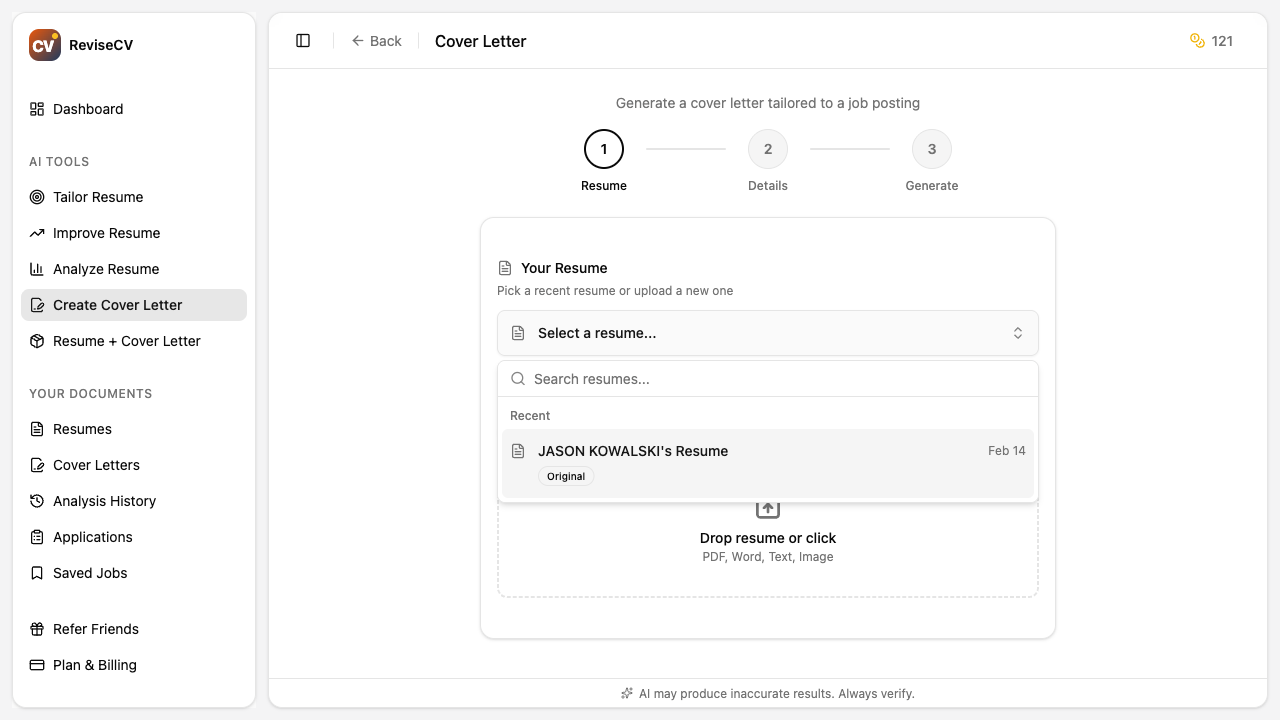
Choose a resume that’s relevant to the job you’re applying for. If you’ve already tailored your resume for this role, use that version. The cover letter will pull from this content.
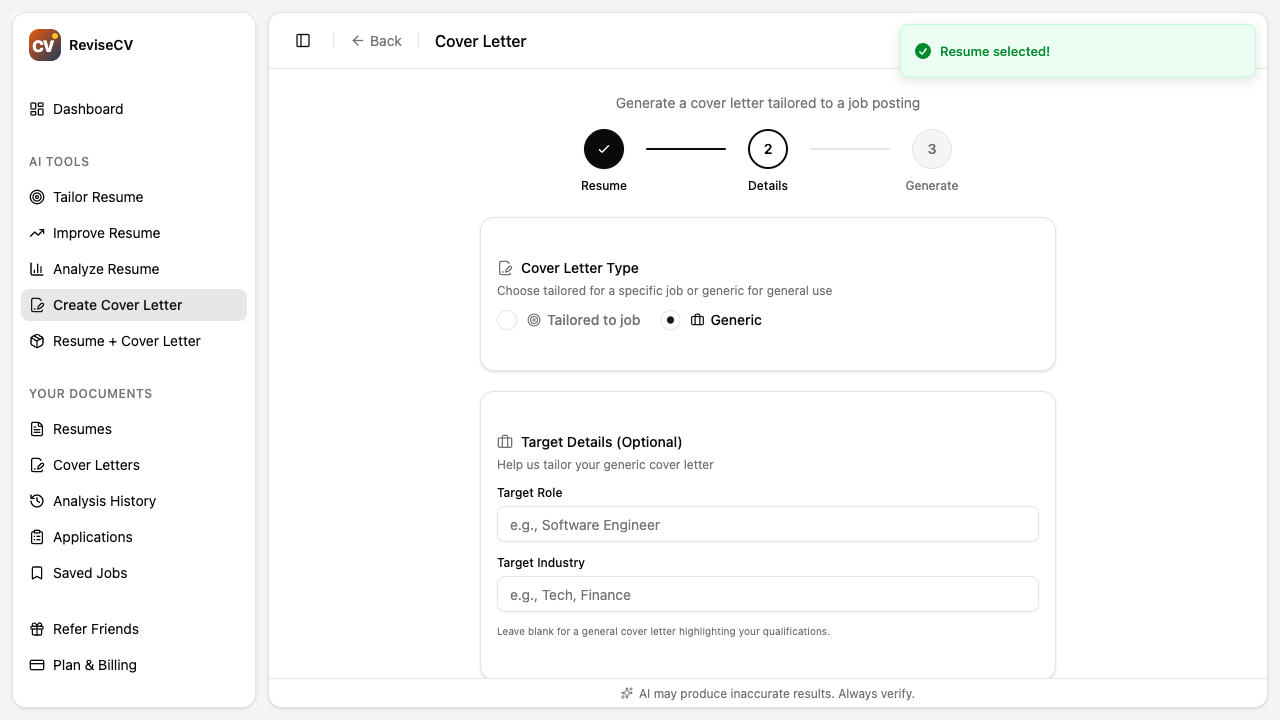
Step 2: Choose Tailored or Generic
Select Tailored if you have a job description. Select Generic if you’re writing for a role type without a specific posting.
For this walkthrough, we’ll focus on the tailored option.
Step 3: Add the Job Description
Paste the complete job posting. Include:
- Job title and company name
- Responsibilities
- Requirements and qualifications
- Any information about the company culture or values
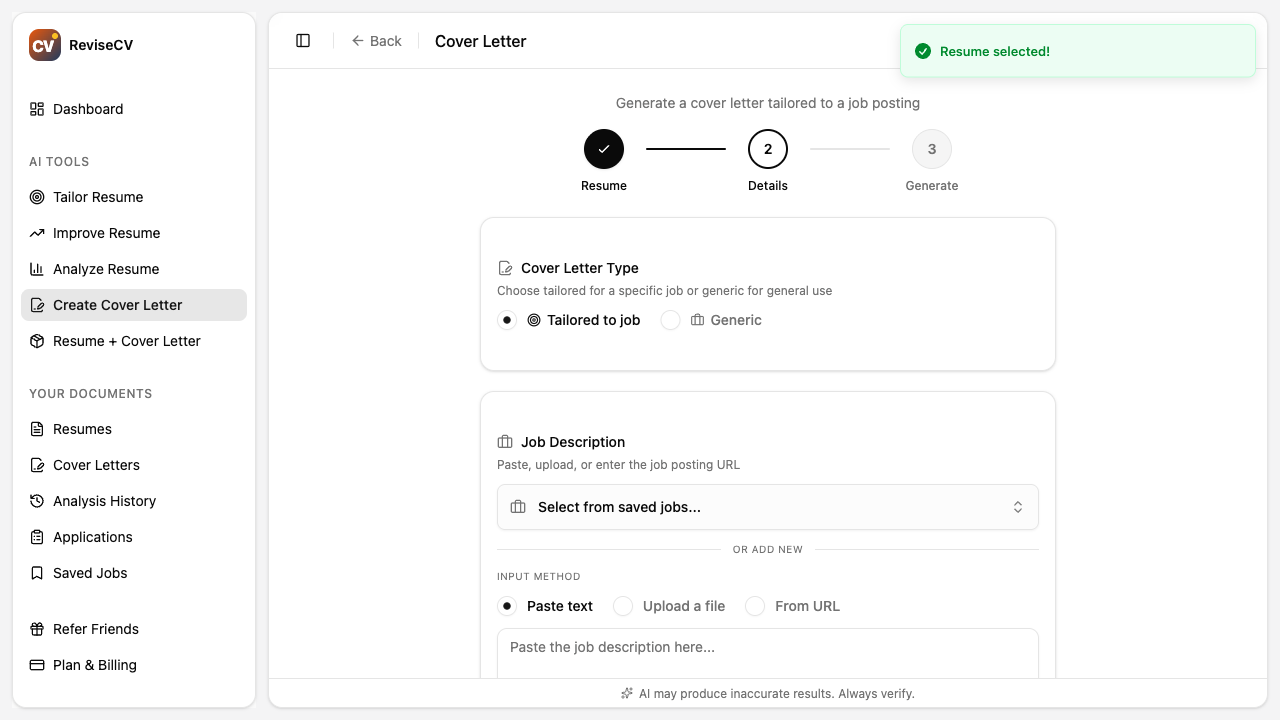
The more context you provide, the more specific and compelling your cover letter will be.
Step 4: Generate
Click Generate Cover Letter. The AI will create a letter that:
- Opens with a compelling hook relevant to the role
- Highlights your most relevant qualifications from your resume
- Connects your experience to the job’s requirements
- Shows genuine interest in the company and position
- Closes with a clear call to action
This typically takes about 30 seconds.
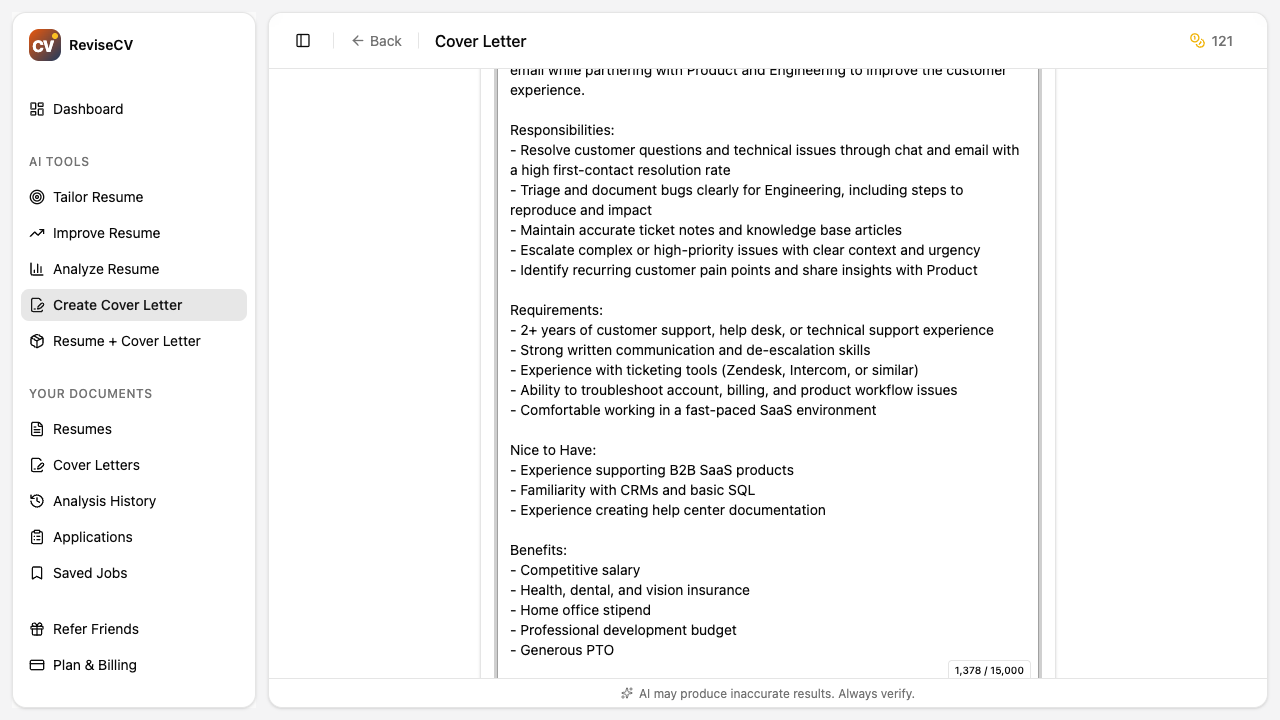
Step 5: Review and Edit
Your generated cover letter appears in an editor. Review it carefully.
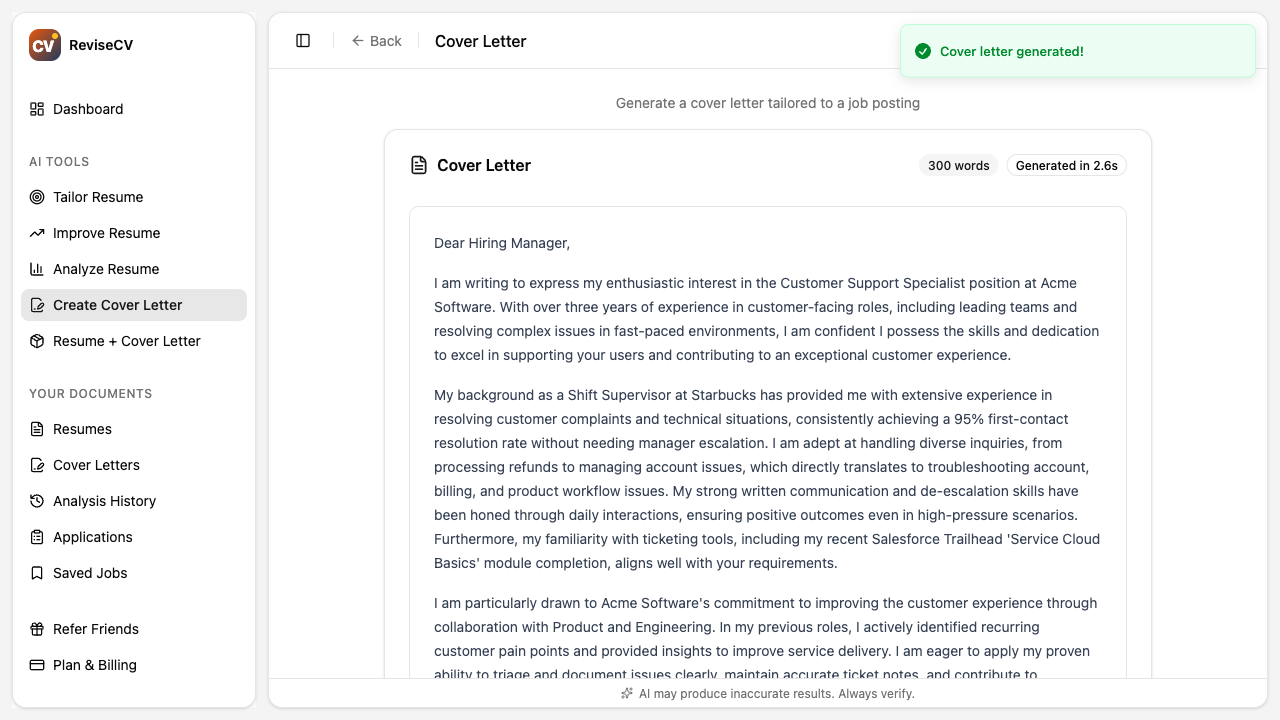
Things to check:
- Does the opening grab attention?
- Are the highlighted qualifications your strongest for this role?
- Does it sound like you (adjust tone if needed)?
- Is the company name and job title correct?
- Is the closing professional and actionable?
You can edit directly in the editor. Make it yours.
Step 6: Download or Copy
When you’re satisfied:
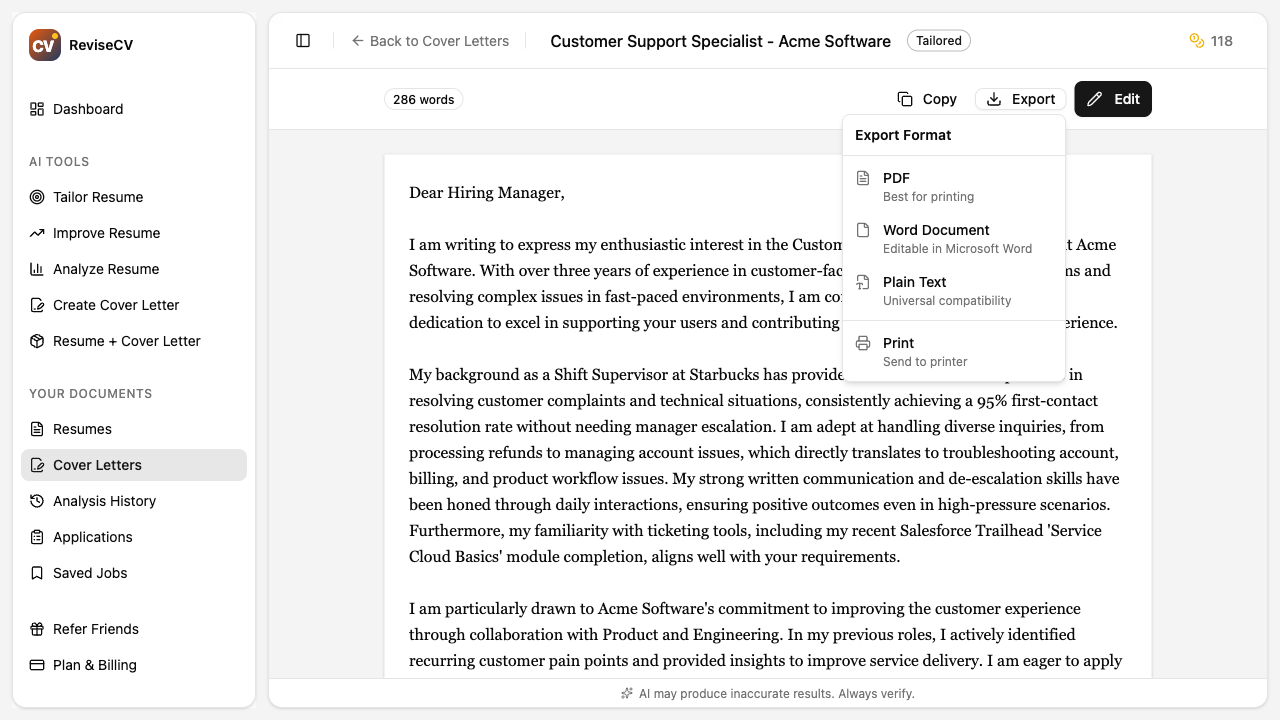
- Copy to clipboard for pasting into application forms
- Download as PDF for email attachments or uploads
- Download as Word if required by the employer
Cover Letter Structure
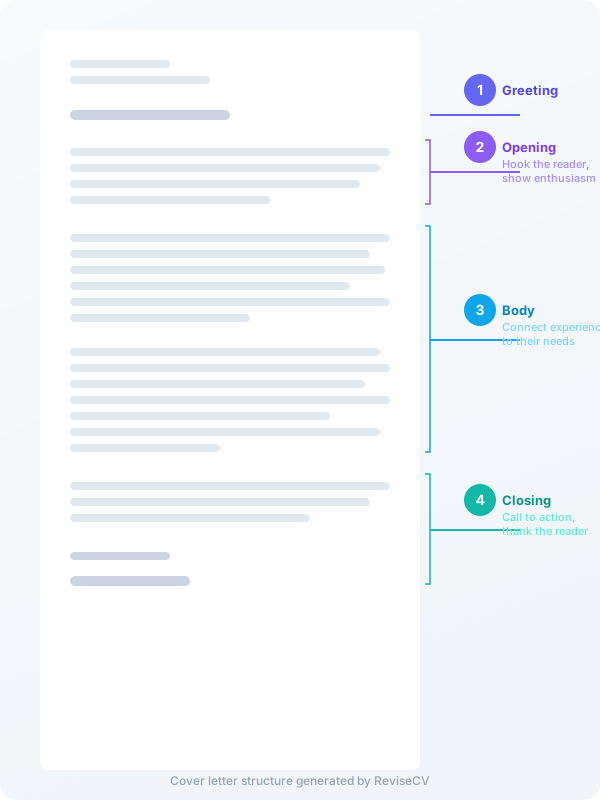
ReviseCV follows a proven structure:
Opening Paragraph: Hook the reader. Why are you excited about this specific role at this company? What makes you a compelling candidate?
Middle Paragraphs: Connect your experience to their needs. Highlight 2-3 key qualifications that directly address what they’re looking for.
Closing Paragraph: Reiterate interest, express enthusiasm for next steps, thank them for their consideration.
Tips for Better Cover Letters
Personalize after generating. Add specific details about why you want to work at this company. Mention something you admire about their product, mission, or culture.
Don’t repeat your resume. Your cover letter should complement your resume, not duplicate it. Use it to provide context, show personality, and explain your fit.
Keep it concise. Hiring managers are busy. Aim for 250-400 words. Three to four paragraphs maximum.
Match the tone to the company. A startup might appreciate something more casual than a law firm. Adjust accordingly.
Mention referrals early. If someone referred you or you have a connection, mention it in the first paragraph.
Generic Cover Letters
For the generic option, you’ll provide:
- Target role (e.g., “Marketing Manager”)
- Target industry (e.g., “Technology” or “Healthcare”)
ReviseCV will generate a letter you can use when reaching out to companies directly or networking.
These work best when you customize them for each company you send them to, even without a specific job posting.
Using Cover Letters with Tailored Resumes
The strongest application includes:
- A resume tailored to the specific job
- A cover letter tailored to the same job
ReviseCV’s Application Kit generates both together, ensuring they complement each other. This is the most efficient approach if you need both.
Next Steps
- How to Use Resume Tailor: Pair your cover letter with a tailored resume
- Choosing the Right Template: Make sure your resume looks as good as your letter
- Getting Started with ReviseCV: Overview of all tools
Ready to create your cover letter? Start now.