Resume Tailor vs Improver: When to Use Each
Confused about which ReviseCV tool to use? Here's a clear guide to choosing between Tailor Resume and Improve Resume.
ReviseCV has two tools for enhancing your resume: Tailor Resume and Improve Resume. They do different things, and knowing when to use each will save you time and get better results.
Here’s the simple breakdown.
The Quick Answer
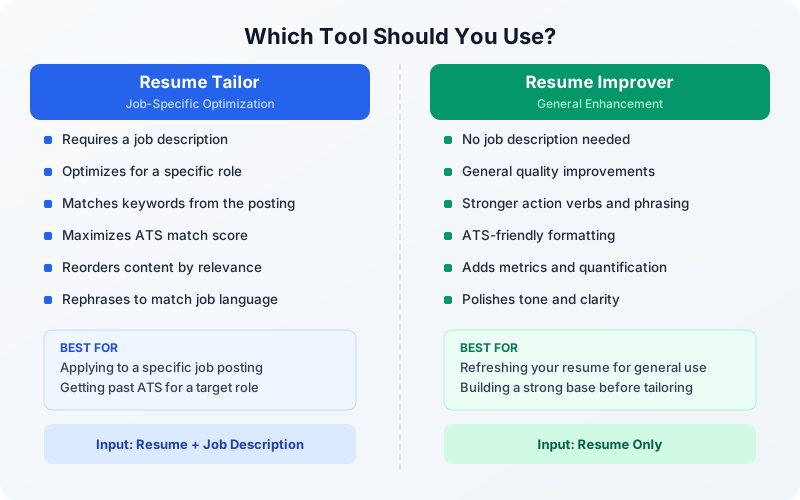
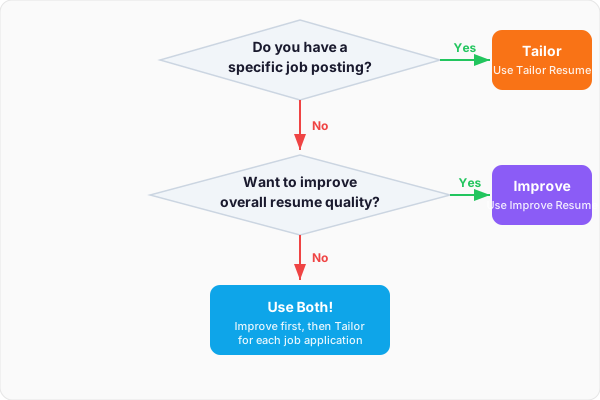
Use Tailor Resume when you have a specific job you’re applying to.
Use Improve Resume when you want a better resume without targeting a particular role.
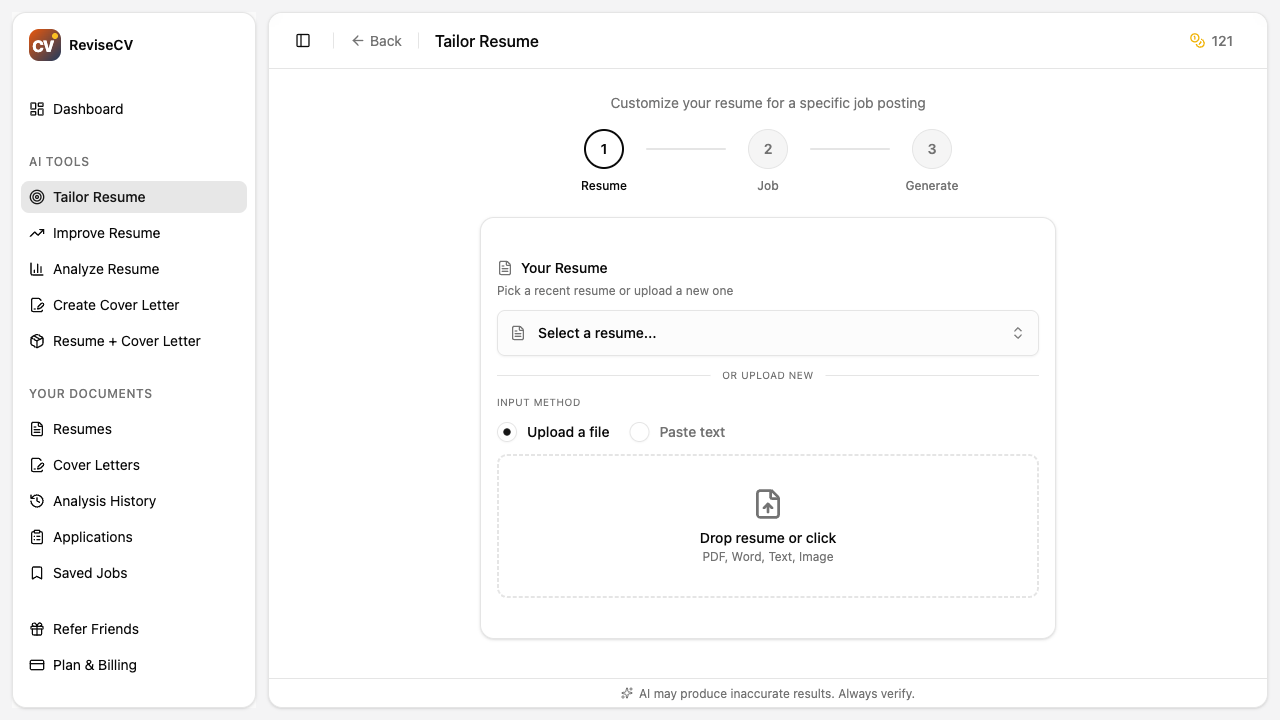
Tailor Resume: Job-Specific Optimization
Tailor Resume takes your resume and optimizes it for a specific job posting.
What It Does
- Analyzes the job description for required skills and keywords
- Reorganizes your content to highlight relevant experience first
- Rephrases bullet points to match the job’s language
- Emphasizes skills that appear in the posting
- Optimizes for ATS keyword matching
When to Use It
- Applying to a specific job you found
- Want maximum match with a job description
- Need to get past ATS screening for a particular role
- Preparing for a specific opportunity
The Input
Your resume + the complete job description
The Output
A resume tailored specifically for that job
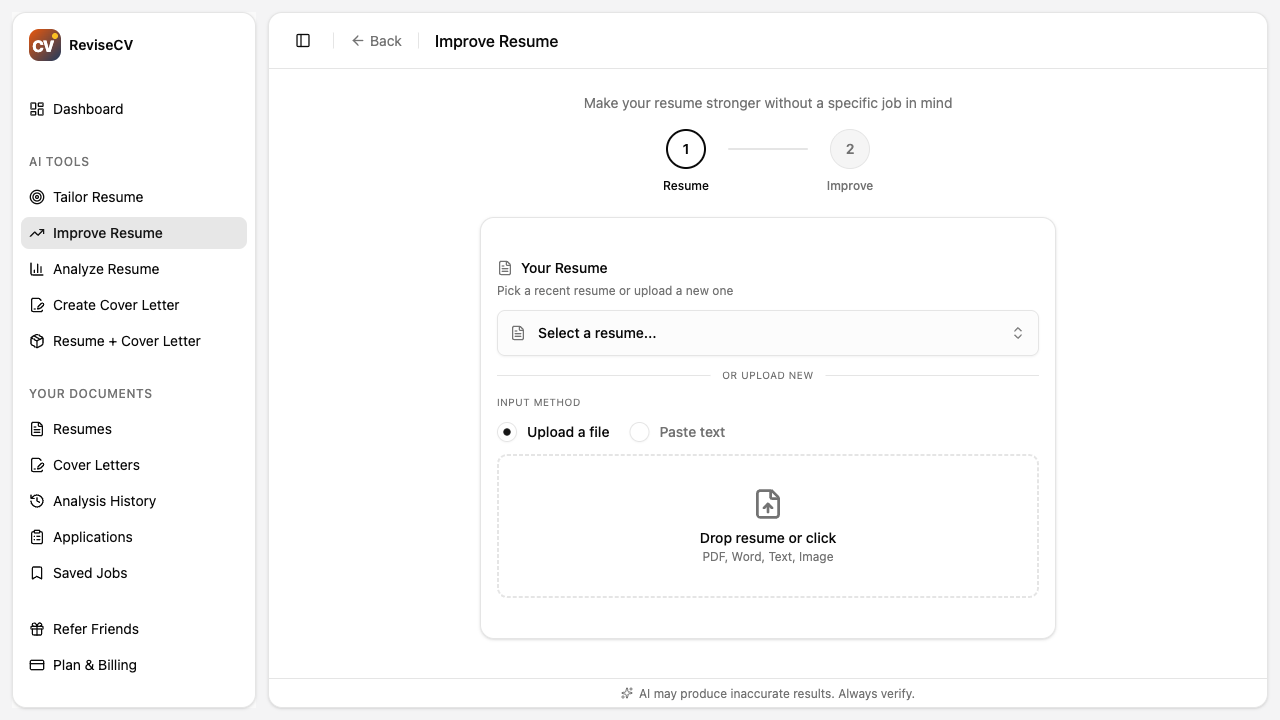
Improve Resume: General Enhancement
Improve Resume enhances your resume without a specific target. It makes your resume stronger overall.
What It Does
- Improves clarity and readability
- Strengthens action verbs and language
- Adds metrics and quantification where possible
- Polishes professional tone
- Ensures ATS-friendly formatting
When to Use It
- Updating your resume for general use
- Preparing for a job search but don’t have specific jobs yet
- Want a polished base resume to customize later
- Your resume feels outdated or weak but you’re not targeting specific roles
The Input
Just your resume (no job description needed)
The Output
A generally improved version of your resume
Choosing Between Them
| Situation | Use This Tool |
|---|---|
| Found a job posting I want to apply to | Tailor Resume |
| Updating LinkedIn or general resume | Improve Resume |
| Sending resume to a recruiter for consideration | Improve Resume first, then Tailor when they find matches |
| Applying to multiple similar jobs | Tailor Resume for each (they’re different enough to matter) |
| Resume feels stale, need a refresh | Improve Resume |
| Got a referral for a specific role | Tailor Resume |
Using Them Together
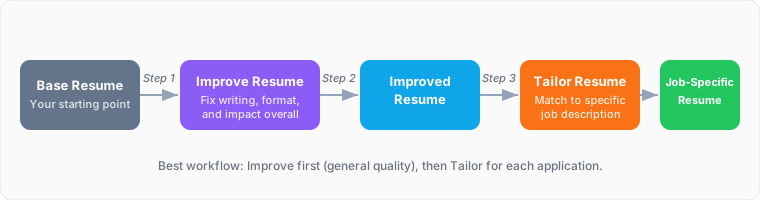
The most effective workflow combines both:
- Start with Improve Resume to get a strong base version
- Save that improved resume in ReviseCV
- Use Tailor Resume for each specific job application
This way, you’re not starting from a weak foundation each time. You’re tailoring an already-polished resume.
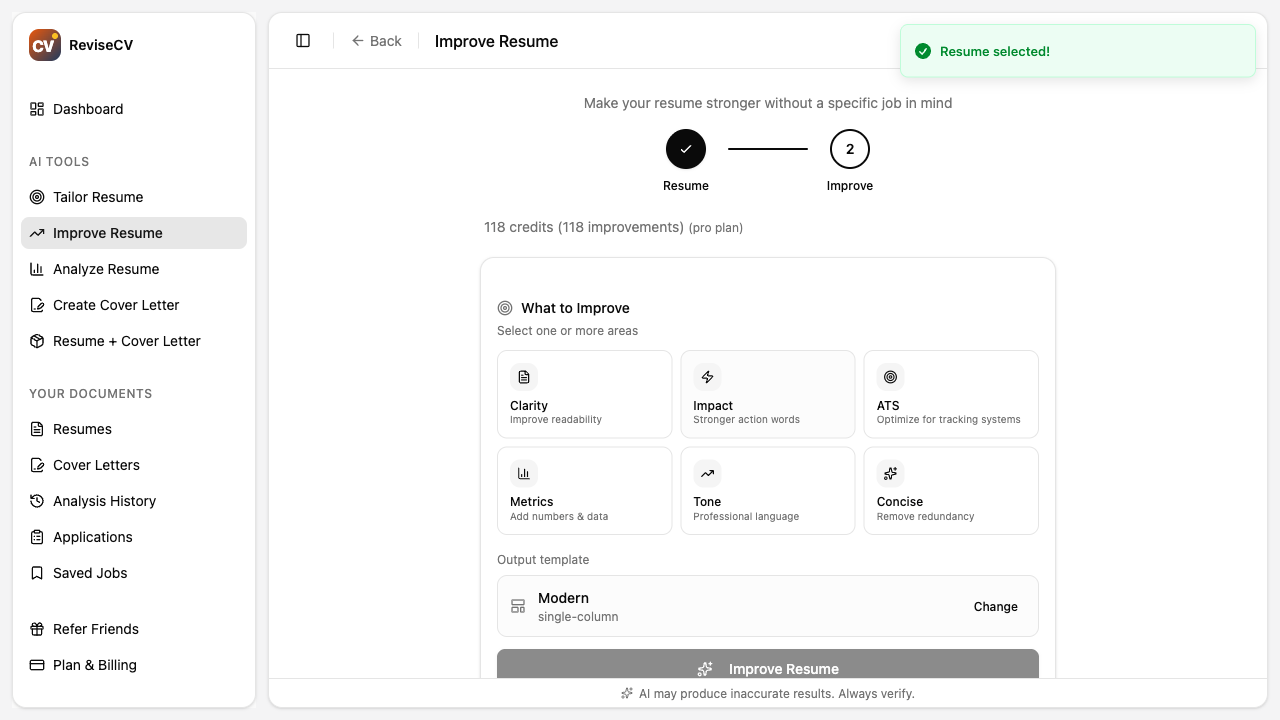
Focus Areas in Improve Resume
Improve Resume lets you choose focus areas. Here’s what each one emphasizes:
| Focus | What It Improves |
|---|---|
| Clarity | Makes descriptions easier to read and understand |
| Impact | Strengthens action words and emphasizes achievements |
| ATS | Optimizes formatting and keywords for tracking systems |
| Metrics | Adds numbers, percentages, and quantifiable results |
| Tone | Polishes language for professional consistency |
| Concise | Removes redundancy and tightens descriptions |
You can select multiple focus areas. If you’re not sure, “Clarity” and “Impact” are good defaults for most resumes.
Cost Comparison
Both tools use credits. Check your current credit balance in the Tools page. If you’re running low, prioritize Tailor Resume for jobs you really want, since it provides the most targeted optimization for specific applications.
Still Not Sure?
If you’re uncertain which tool to use, start with Analyze Resume. It will show you how well your current resume matches a job description. If the score is low, use Tailor Resume. If you don’t have a specific job in mind, use Improve Resume.
Next Steps
- How to Use Resume Tailor: Detailed walkthrough of the tailoring process
- Getting Started with ReviseCV: Overview of all tools
- Understanding Your Resume Score: What your match score means
Ready to optimize? Choose your tool.